Speed test
Speed test downloads through your xray proxy to each IP and records throughput in Mbps. Use it on IPs that already passed Run xray to compare which edges are fastest.
Before you run
Section titled “Before you run”In Xray configs (header), keep at least one template Enabled (same as for xray tests). See Xray config if needed.
Run speed test on a job
Section titled “Run speed test on a job”- Open your job so the IP table is visible.
- Click Speed in the toolbar above the table.
- Wait until the run finishes. Progress is shown while each IP is tested.
- Check the Speed column for each IP (Mbps result or failed/skipped).
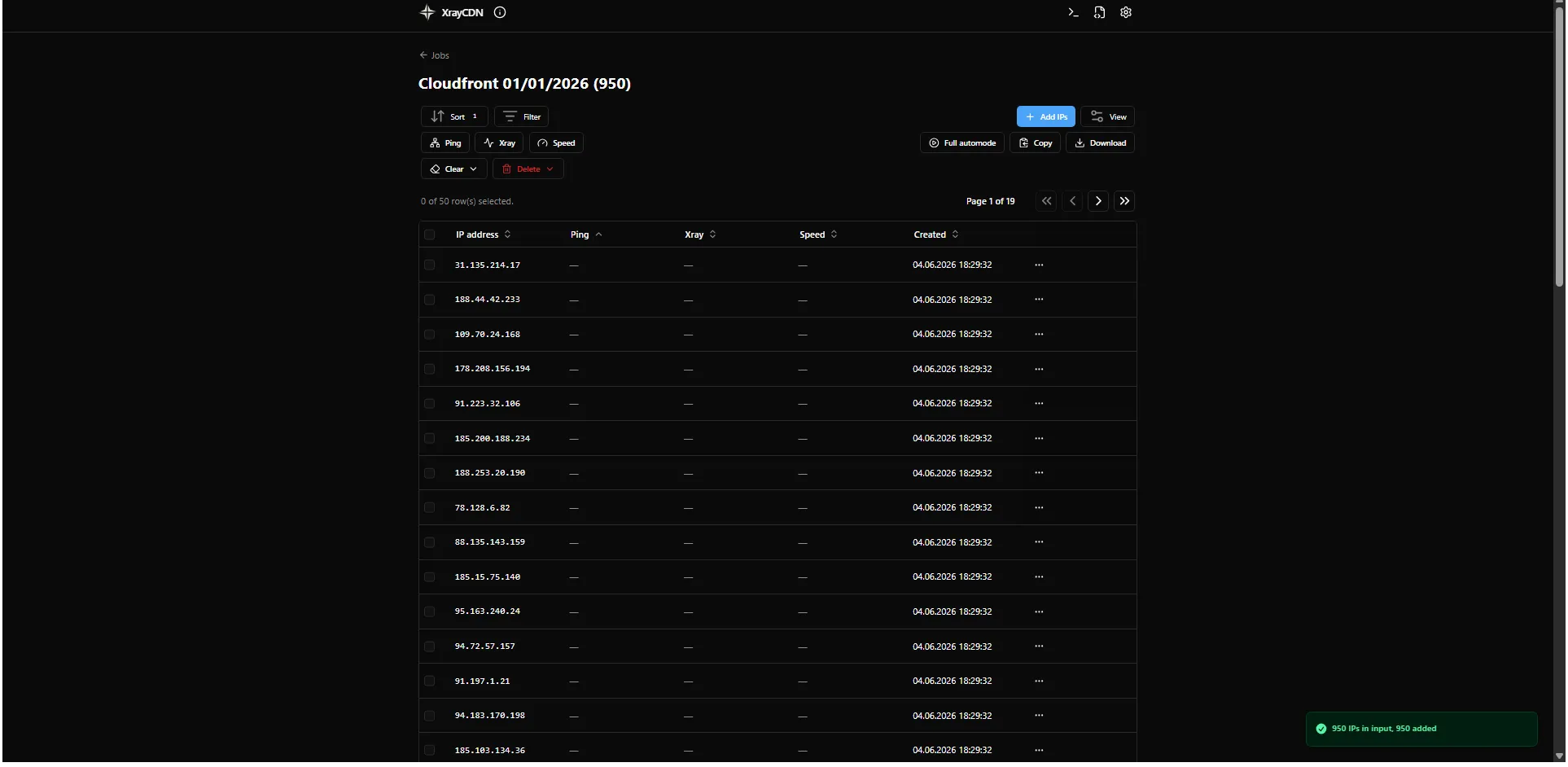
Download URL, timeouts, and parallelism are in Settings under Speed test. Sort the Speed column to find the best IPs.
Next step
Section titled “Next step”Export or copy results from the job table, then use the best IPs in your production xray setup.
You can also use Full automode to run ping, xray, and speed in one workflow instead of each step on its own.