Create job
A job is one named list of CDN IPs and the test results saved for those IPs (ping, xray, and speed).
Create a job
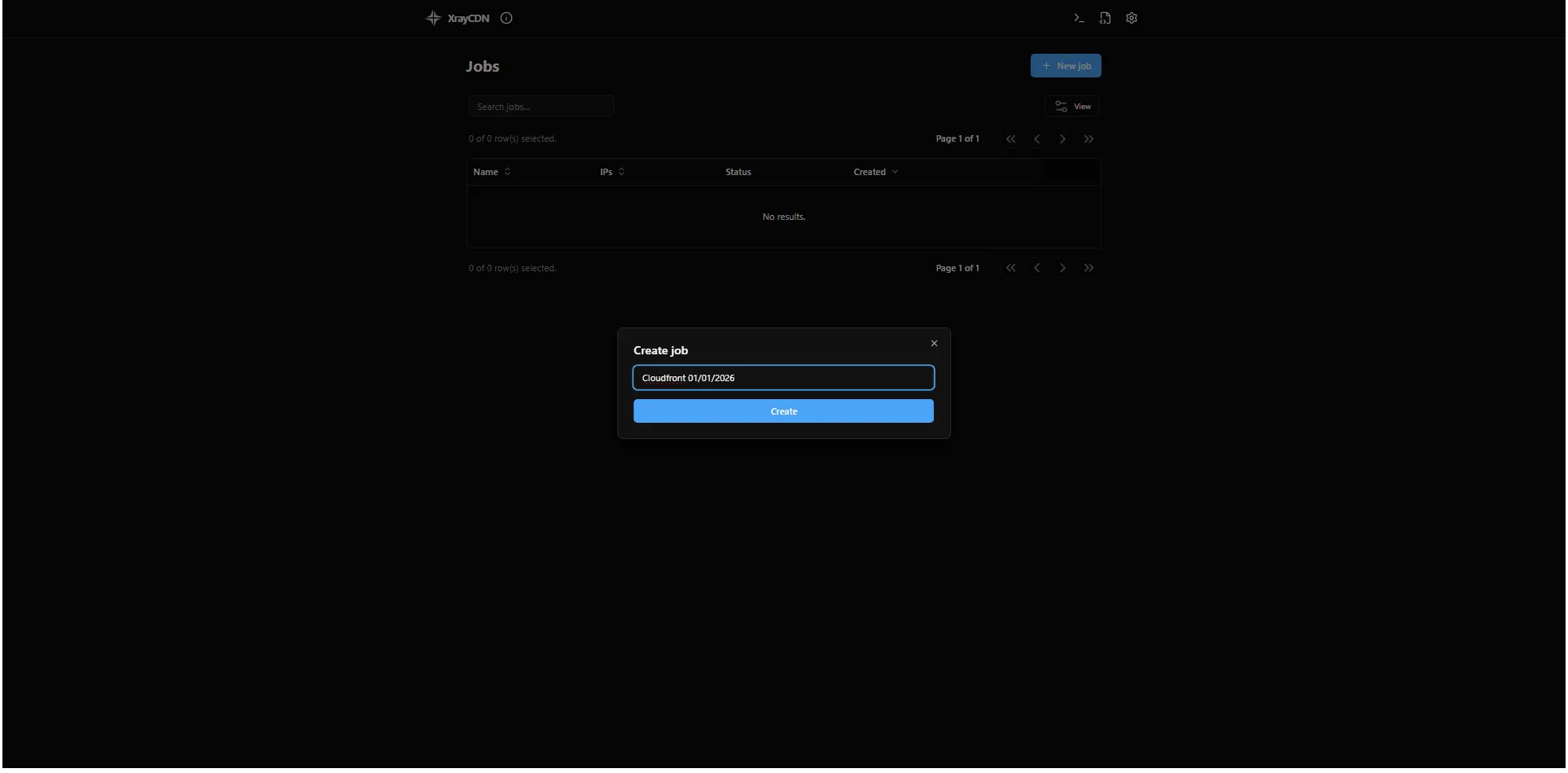
Section titled “Create a job”- On the main Jobs screen, click New job.
- The Create job dialog opens. The app suggests a name; you can keep it or type your own in Job name.
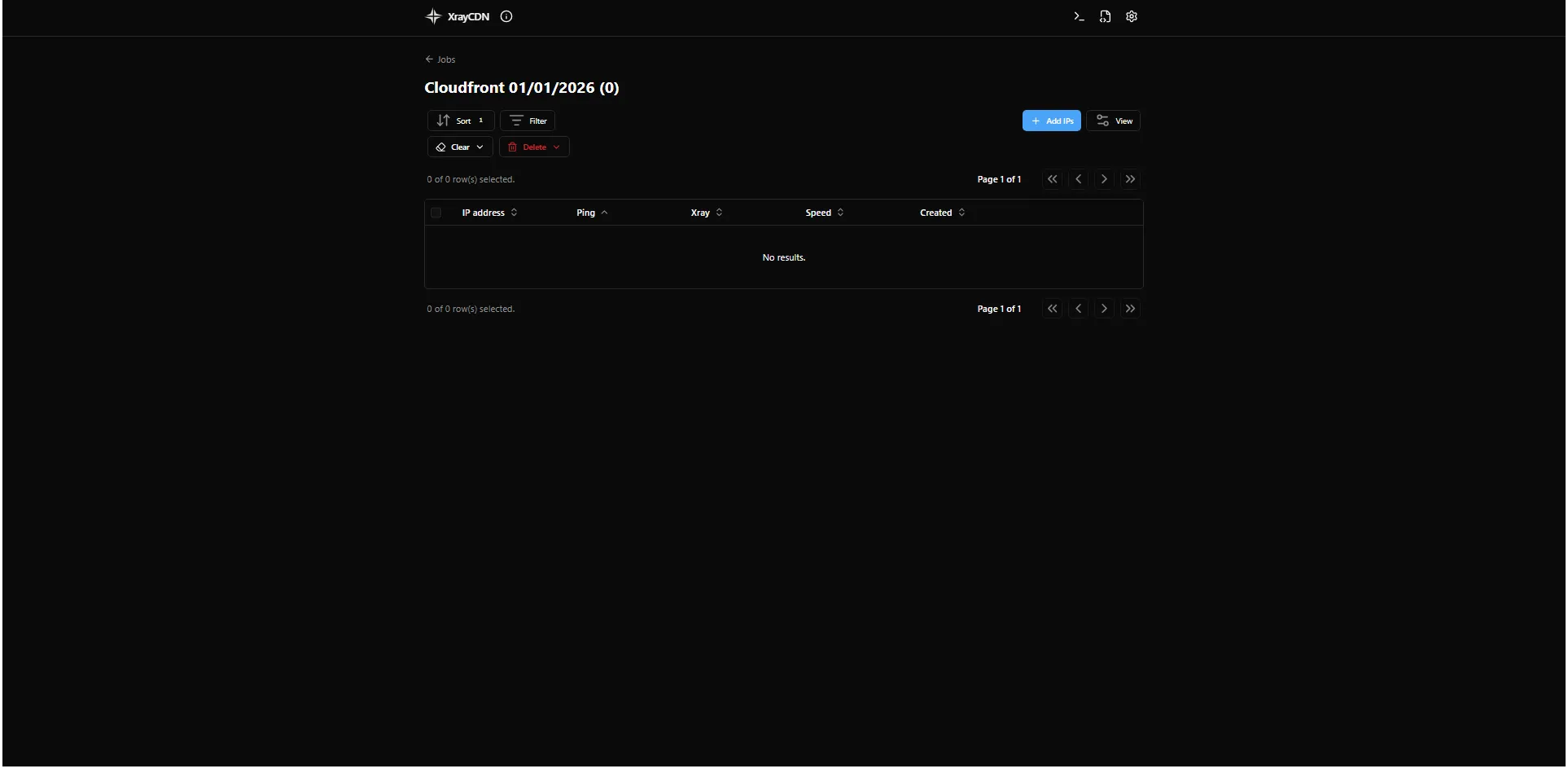
- Click Create. The job appears in the list.
- Click the job name to open it and import IPs.
Next step
Section titled “Next step”Import IPs into the job, then run Ping.