Run ping
Ping is a fast TCP connectivity check to each IP in the job. Use it to drop unreachable addresses before xray tests.
Run ping on a job
Section titled “Run ping on a job”- Open your job so the IP table is visible.
- Click Ping in the toolbar above the table.
- Wait until the run finishes. Progress is shown while IPs are tested.
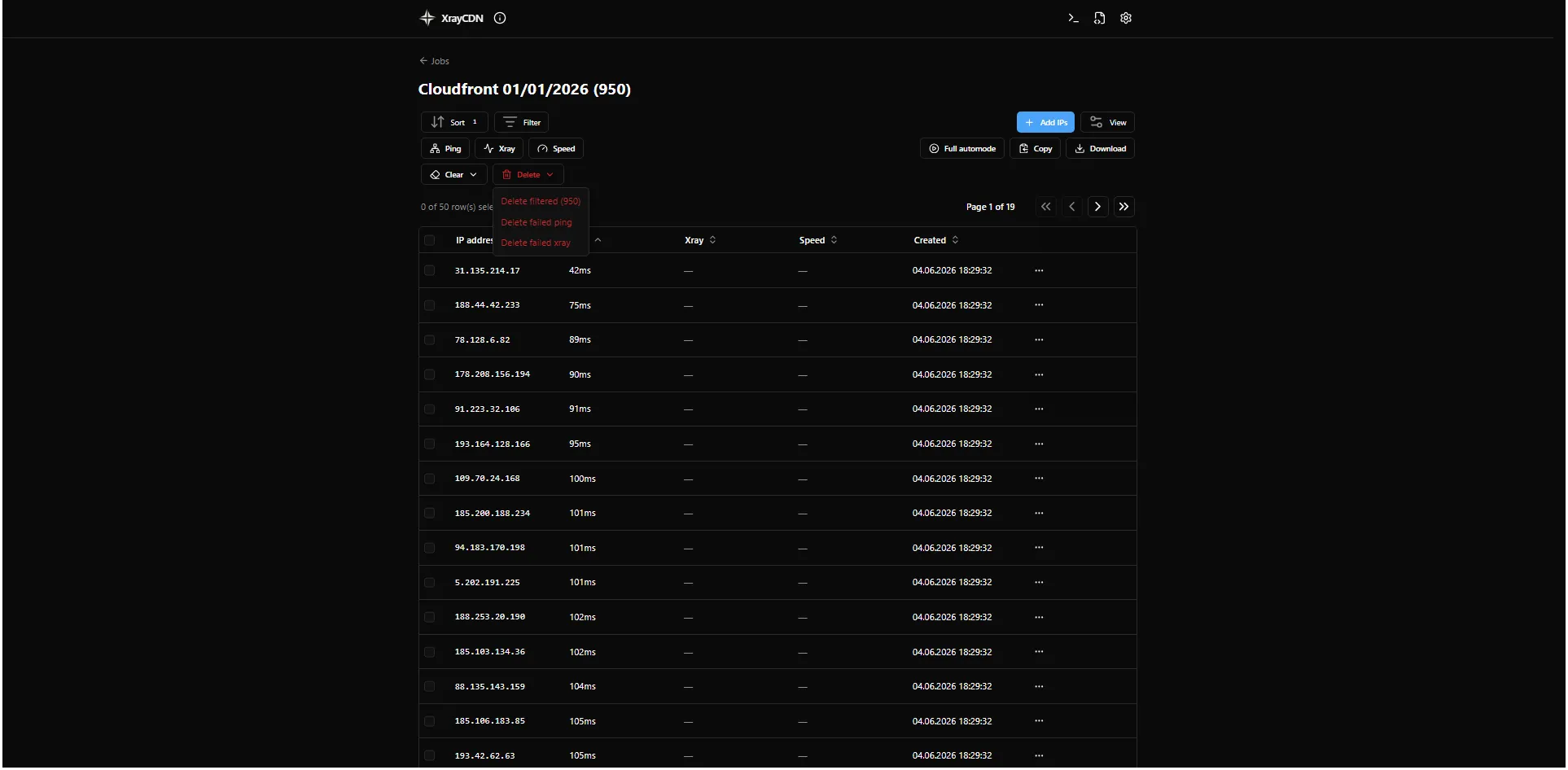
- Check the Ping column for each IP (success time in ms or a failed result).
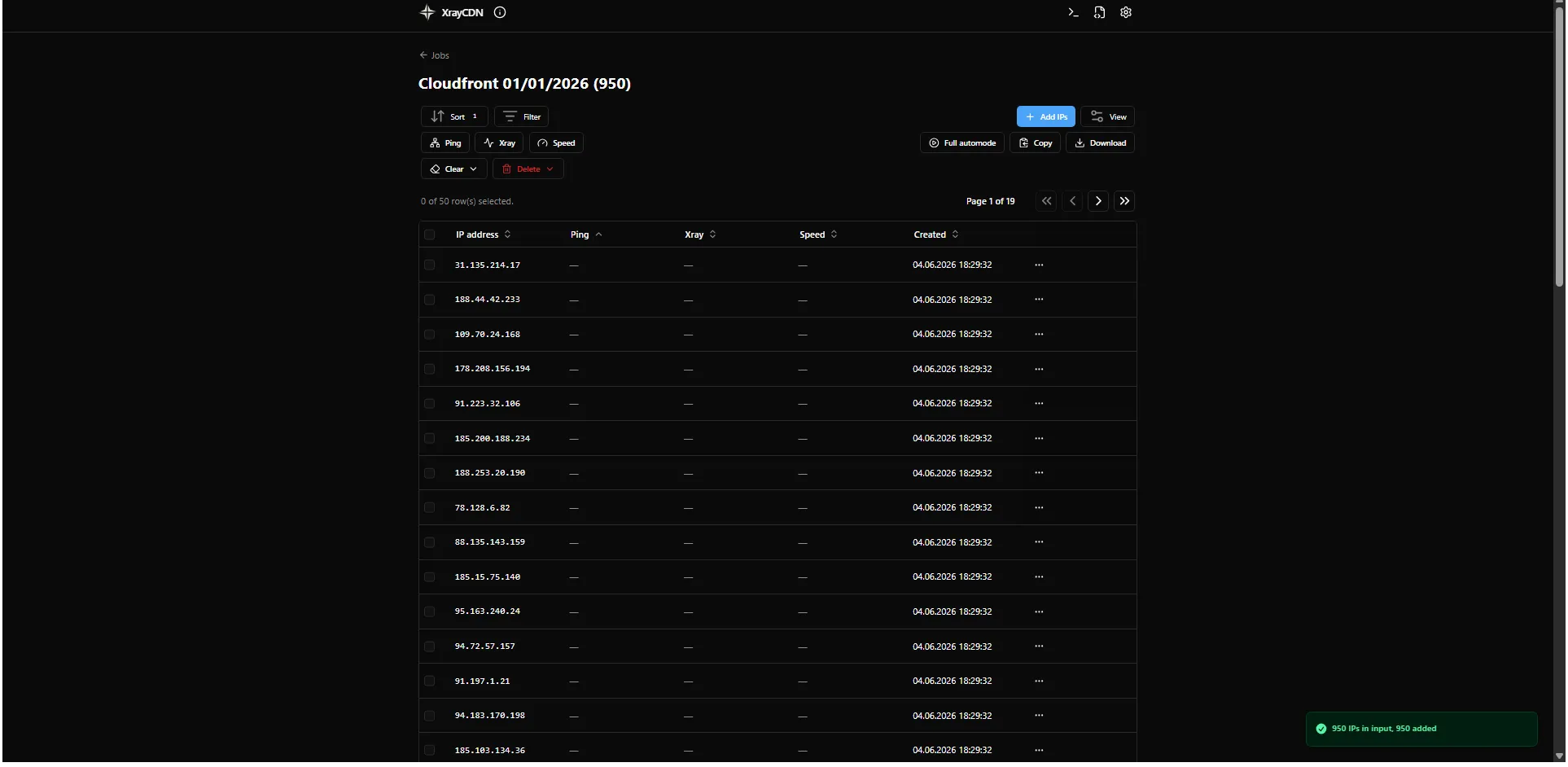
The probe uses TCP port and Timeout from Settings (gear icon in the header). Adjust them there if needed.
Remove IPs that failed ping
Section titled “Remove IPs that failed ping”When the ping run finishes:
- Click Delete in the toolbar (dropdown).
- Choose Delete failed ping to remove IPs that did not respond.
Next step
Section titled “Next step”Continue with Run xray.